
Vamos Bet has picked up a following among players in Ethiopia, and the Vamos Bet app is a big part of it. It puts sports betting and casino games on a phone screen, with the same account you use on the website. Right now the app exists for Android only.
This page covers the APK download, the install steps, what to do on an iPhone, and the fixes for the usual problems. This is an independent information page about the brand, not the operator's own site.
Android only · 45.8 MB
Vamos Bet app at a glance
| Parameter | Details |
|---|---|
| App name | Vamos Bet |
| File name | vamosbet.apk |
| File type | APK (Android) |
| Version | 1.0.0 |
| Size | 45.8 MB (48,022,270 bytes) |
| Last update | 30/09/2026 |
| Price | Free |
| iOS | No app; mobile site or PWA |
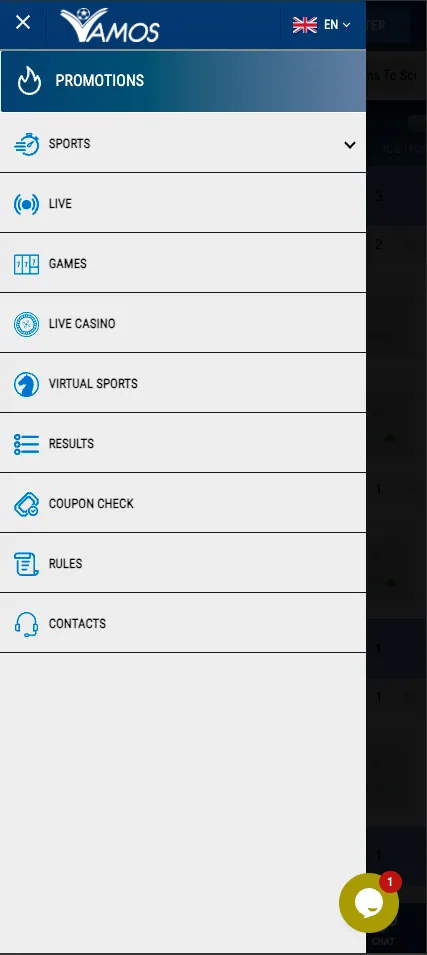
How to install the Vamos Bet APK on Android
The file is not distributed through Google Play, so Android asks for permission before installing it. The whole process takes a couple of minutes on a normal connection.
- Open the site vamos-bet.bet in your phone's browser and tap the Download APK button.
- Wait for vamosbet.apk to finish downloading (about 45.8 MB, so use Wi-Fi if mobile data is limited).
- Open Settings and allow installation from unknown sources for the browser you used. On many phones Android offers this shortcut right when you tap the file.
- Open the downloaded file from the notification bar or the Downloads folder and tap Install.
- Launch the app, then log in or create an account if you do not have one yet.
Download from the site only
Install the APK only from vamos-bet.bet. Files from messengers or third-party sites may be modified or unsafe.
How to use Vamos Bet on iPhone (iOS)
There is no dedicated iOS app. iPhone users open the mobile version of the site in Safari, and it adapts to the screen without any download.
For quicker access, the site can be added to the home screen as a PWA-style shortcut:
- Open vamos-bet.bet in Safari.
- Tap the Share button at the bottom of the screen.
- Choose Add to Home Screen.
- Confirm the name and tap Add.
An icon appears next to your other apps and opens the site in a full-screen window. Android users who prefer not to install an APK can do the same from Chrome.
What the app offers
- Live betting. In-play markets and live events, the same ones described on the Sport page.
- Casino. Slots, live dealer tables and other games, adjusted to a phone screen.
- Deposits and withdrawals. The cashier is inside the app; see Payments for the methods available in Ethiopia, such as Telebirr.
- Notifications. Alerts about promotions and account activity, if you allow them in phone settings.
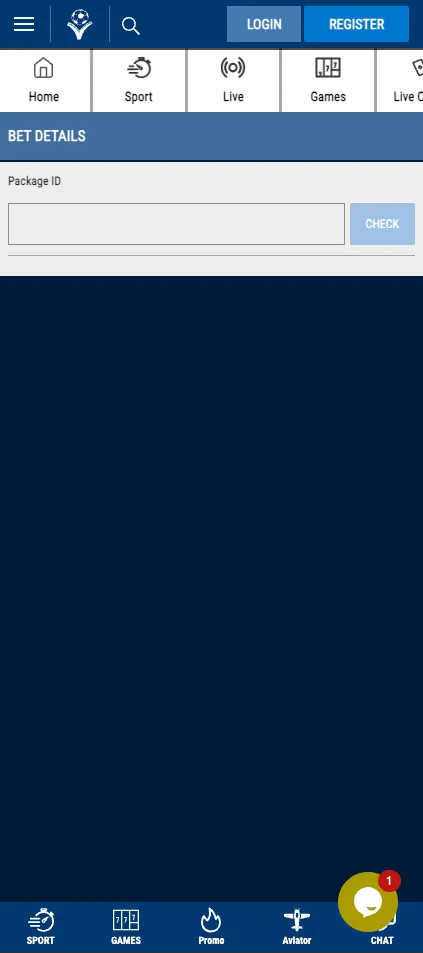
- Coupon and results checks. Track open bets and finished events without leaving the app.
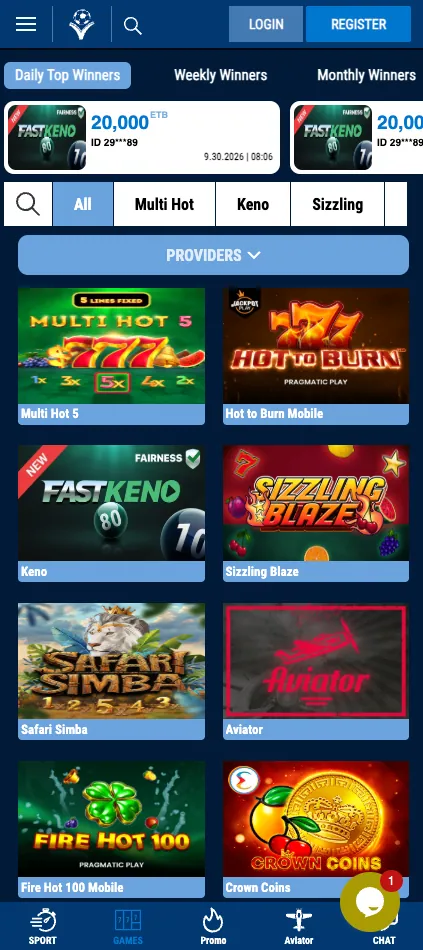
App vs. mobile site
| Feature | Android app | Mobile site |
|---|---|---|
| Installation | APK file, about 45.8 MB | None, opens in a browser |
| Features | Sport, live, casino, cashier | Same sections |
| Speed | Usually faster after the first launch | Depends on browser and connection |
| Notifications | Available | Limited |
| Data usage | Lower on repeat visits | Reloads more page elements |
| Devices | Android | Android and iOS |
Updates and common problems
The app will not install
Check that installation from unknown sources is allowed for your browser or file manager. Also make sure the download finished: a file much smaller than 45.8 MB is incomplete, so download it again. Free some storage if the phone reports a lack of space.
The app will not update
Because the app is not in Google Play, updates do not arrive automatically. Download the latest APK from the site and install it over the old one; your account and data stay on the server. If Android refuses, uninstall the old version first.
Login problems
Check the phone number or email and the password, and try the password reset option. A weak connection also causes failed logins, so switch between Wi-Fi and mobile data. If nothing helps, contact support from the site. Still no luck? The mobile site with the same account is a fast workaround.
Responsible gambling
Betting is for adults aged 18+ only. Set limits, never bet money you cannot afford to lose, and take a break if it stops being fun.
Tips for a smoother experience
- Keep at least 200 MB of free storage so the installer and later updates do not fail.
- Turn the unknown-sources permission off again after installing if you want to keep the phone locked down.
- Use a strong, unique password and keep your phone screen lock active, since the app stays logged in to a real-money account.
- Before a first deposit, open the cashier and check the minimum amounts and processing times for your chosen method.
Bottom line
The Vamos Bet app gives Android users a compact way to bet on sport and play casino games, with a small file size and modest data use. iPhone users get the same sections through the mobile site or a home screen shortcut. For a brand overview, head to the home page.
Frequently asked questions
Where can I download the Vamos Bet app?
Use the Download APK button on vamos-bet.bet. The file is vamosbet.apk, about 45.8 MB.
Is the Vamos Bet app free?
Yes, downloading and installing the app costs nothing. Mobile data charges from your provider may apply.
Is there a Vamos Bet app for iPhone?
No. iPhone users open the mobile site in Safari or add it to the home screen via Share and Add to Home Screen.
Why does Android block the APK installation?
The file does not come from Google Play, so Android asks you to allow installation from unknown sources for your browser or file manager.
What is the current version of the app?
The current version is 1.0.0 for Android.
How do I update the Vamos Bet app?
Download the newest APK from the site and install it over the existing app. Updates are not delivered automatically.
Can I use the same account in the app and on the website?
Yes. One account works on both, including the balance and bet history.
Is a Vamos Bet APK from another website safe?
It is safer to download only from vamos-bet.bet, since files from other sources may be altered.